Intro
AI for 3D modeling is rapidly changing how digital assets are created. Tasks that once required hours of manual work in tools like Blender or Maya can now be completed in minutes using modern AI tools.
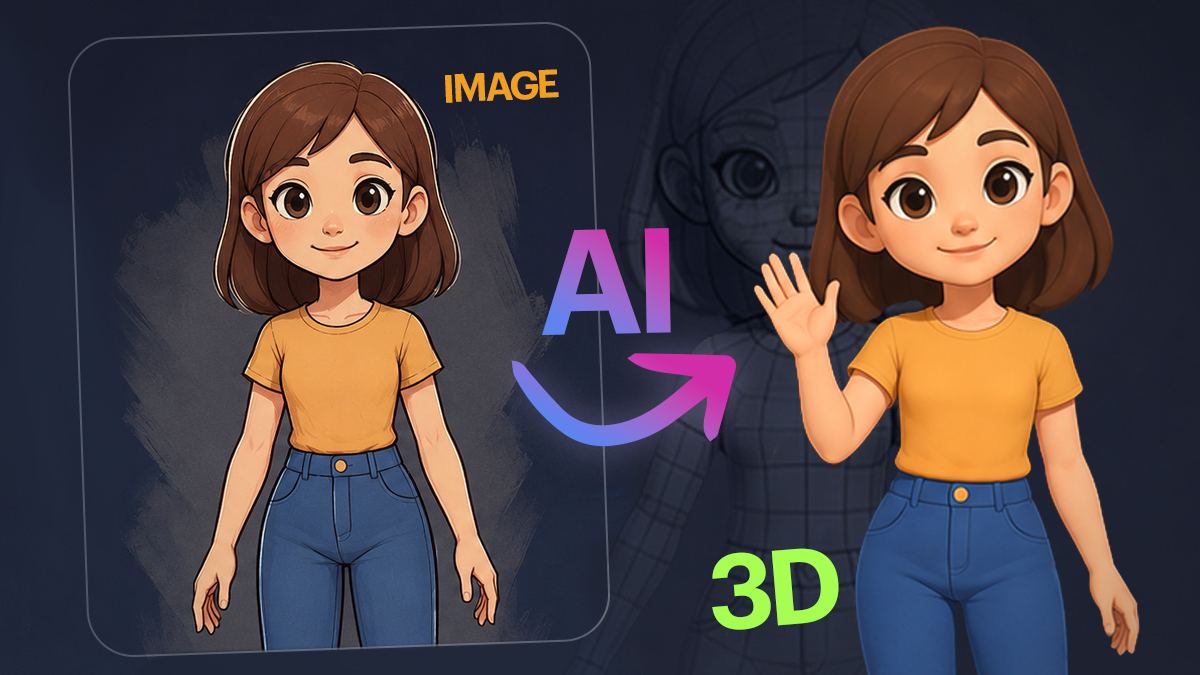
Today, AI 3D model generators can create characters, props, and environments from text prompts, images, or even a single photo. This makes AI especially useful for game development, animation, and product design, where speed and iteration matter.
In this guide, you’ll learn how AI for 3D models works, which tools are worth using, and how to create 3D models with AI step by step.
What is AI in 3D Modeling?
AI in 3D modeling refers to the use of machine learning and generative algorithms to create, modify, and optimize 3D models automatically.
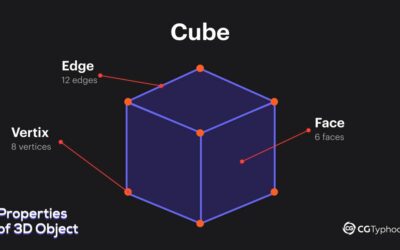
Instead of manually adjusting vertices, edges, and faces, an AI 3D modeling tool can generate geometry based on text prompts, images, or existing datasets.
Modern systems use generative AI for 3D models to predict shapes, textures, and structure. This allows users to generate usable 3D assets quickly, especially for prototyping and early-stage production.
How to Create a 3D Model with AI
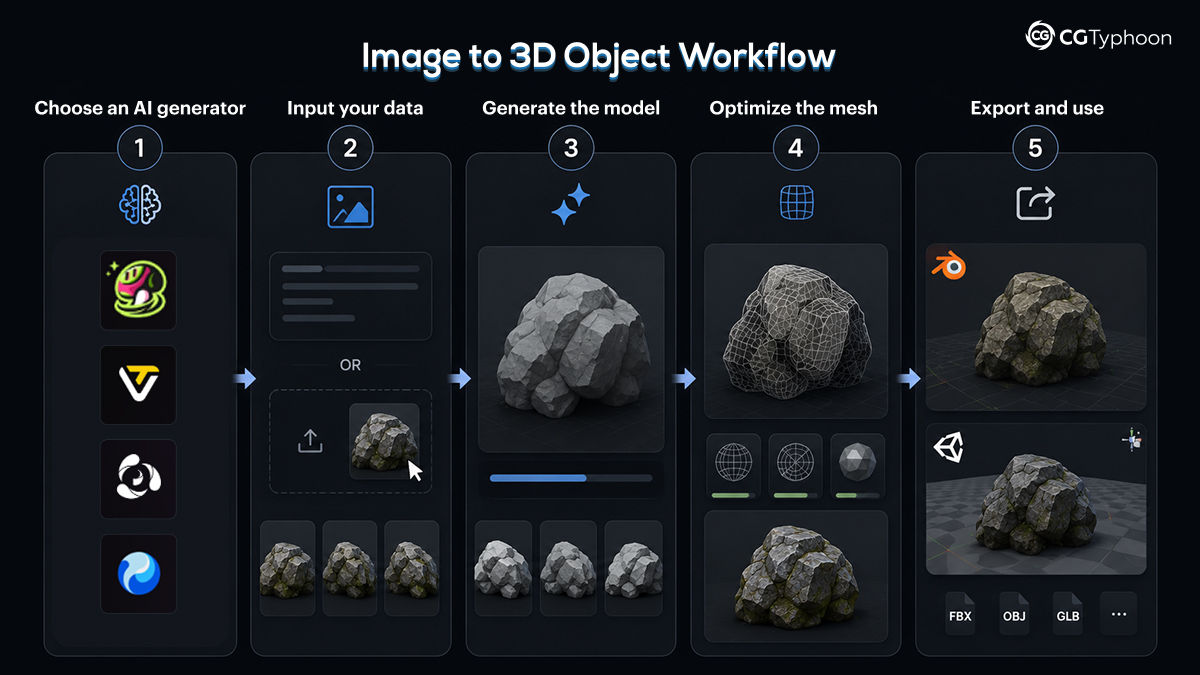
Creating a 3D model with AI is now accessible even for beginners. Most workflows follow a simple process:
1. Choose an AI 3D model generator
Select a tool such as Meshy, Luma AI, or Kaedim etc. These platforms specialize in AI-driven 3D model creation.
2. Input your data
You can:
- type a prompt (text to 3D model AI)
- upload an image (image to 3D model AI)
- use photos (create 3D model from photo workflows)
3. Generate the model
The AI automatically generates a 3D model, often including textures and materials.
4. Optimize the mesh
Most AI-generated models require cleanup, including:
- Retopology
- UV adjustments
- Polygon optimization
5. Export and use
Export your model into Blender, Unity, or Unreal Engine for further use.
Best AI Tools for 3D Modeling
Here are some of the most popular AI tools for 3D modeling:
1. Meshy AI
One of the industry leaders in AI for 3D modeling and AI tools for 3D modeling thanks to its speed and strong feature set.
Features:
- Text-to-3D and image-to-3D generation
- Advanced topology and low-poly mode for game engines
- Built-in rigging and animation tools
Why it stands out: Creates production-ready assets in about a minute, making it one of the best AI for 3D modeling workflows available today.
2. Hunyuan 3D (High3D)
Often considered the best free AI 3D software for creators and indie developers.
Features:
- Multi-view generation with up to 8 angles for accurate geometry
- Free daily generations
- Smart UV unwrapping and mesh segmentation tools
Why it stands out: Great balance between quality, usability, and accessibility for anyone exploring AI for creating 3D models.
3. Roden (Hyper3D)
A high-end solution built for production-quality assets and advanced pipelines.
Features:
- Control Nets support (bounding box, voxel, point cloud)
- Clean quad meshes and professional topology
- Editable model regions via text prompts
Why it stands out: Delivers some of the highest-quality results in generative AI for 3D models workflows.
4. Tripo AI
A fast-growing platform focused on detailed assets and 3D printing optimization.
Features:
- Ultra Mesh mode with up to 2M polygons
- Fast image-to-3D generation
- Smart object segmentation for printable parts
Why it stands out: Perfect for rapid prototyping and creators searching for reliable AI for 3D models solutions.
5. Luma AI (Genie)
One of the best tools for photorealistic asset creation and environment capture.
Features:
- Mobile scanning app
- Prompt-based 3D generation
- Strong realism and lighting quality
Why it stands out: Excellent choice for cinematic visuals, product renders, and immersive scenes.
6. Kaedim 3D
Designed for studios that need fast 2D-to-3D conversion in production pipelines.
Features:
- Converts concept art into 3D assets
- Optimized for game development workflows
- Supports manual refinement pipelines
Why it stands out: A popular AI tool for 3D modeling among game studios and asset teams.
7. Modif
Best suited for texturing, optimization, and game-ready asset cleanup.
Features:
- AI-generated PBR textures
- Polygon reduction with preserved detail
- Normal map optimization for real-time engines
Why it stands out: An essential companion tool for improving and optimizing existing 3D assets.
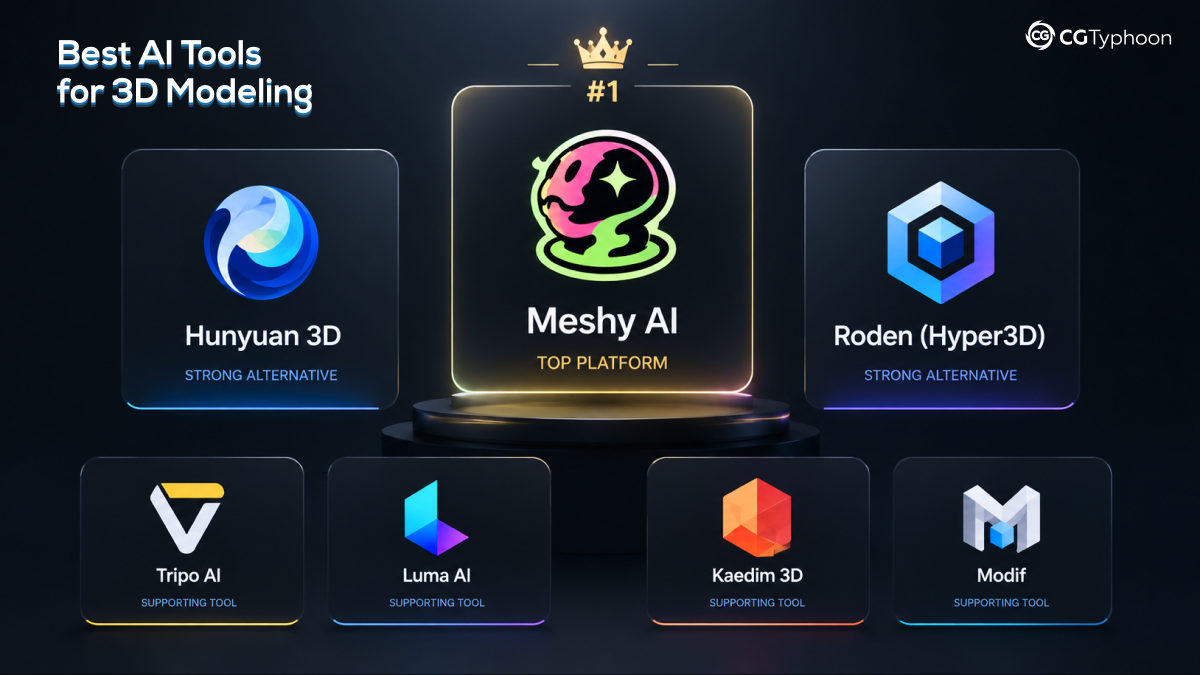
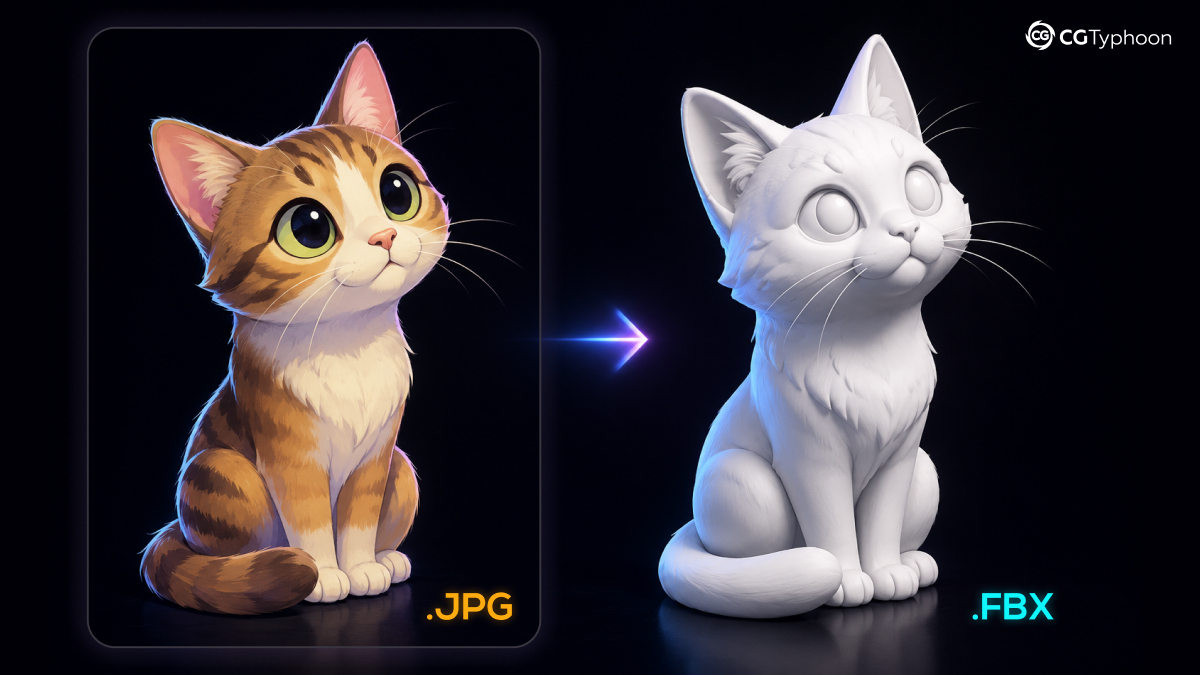
Image to 3D Model AI
One of the fastest-growing areas in AI 3D modeling is image-to-3D generation. Using image to 3D model AI tools, you can upload a single image or multiple photos and generate a complete 3D model automatically. Common use cases include:- creating 3D models from photos
- scanning real-world objects
- generating assets for games and AR/VR
Use Cases of AI in 3D Modeling
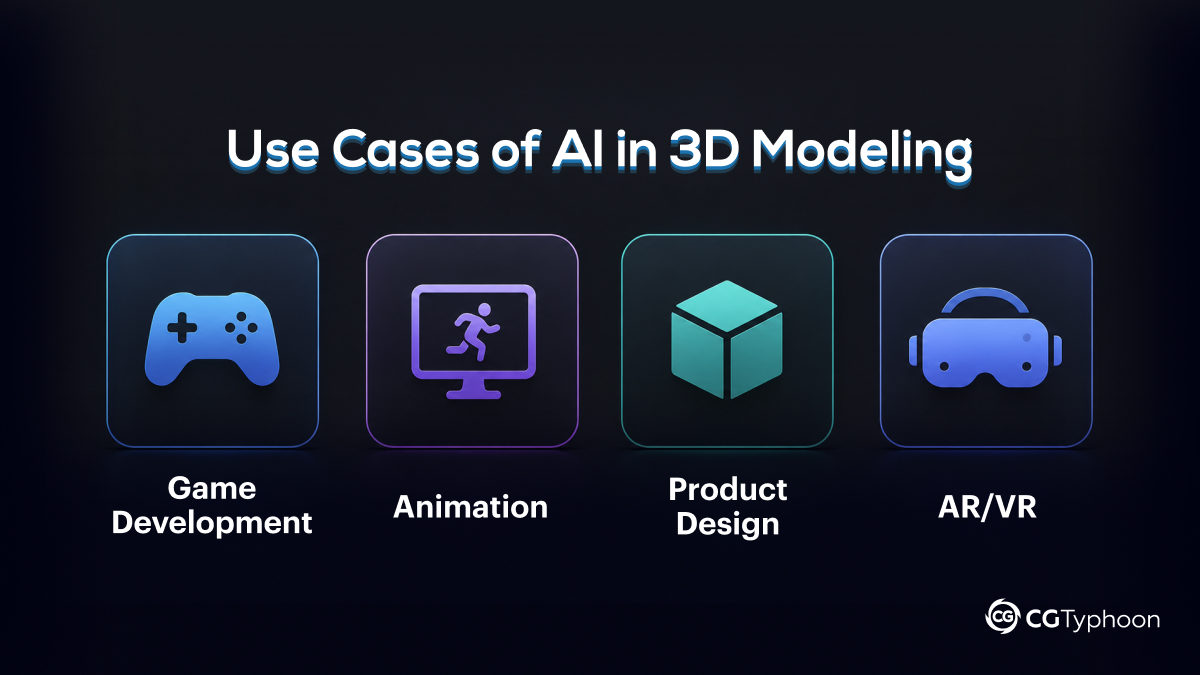
AI is widely used across multiple industries:
Game Development
Generate props, environments, and characters quickly without building everything manually.
Animation
Create background assets and speed up production pipelines.
Product Design
Develop prototypes and visualize ideas faster.
AR/VR
Produce optimized 3D assets for immersive applications.
AI vs Traditional 3D Modeling
| Feature | AI 3D Modeling | Traditional Modeling |
| Speed | Minutes | Hours or days |
| Skill required | Low | High |
| Control | Limited | Full |
| Quality | Improving rapidly | Industry standard |
AI provides speed and automation, while traditional modeling offers precision and full control.
Limitations of AI in 3D Modeling
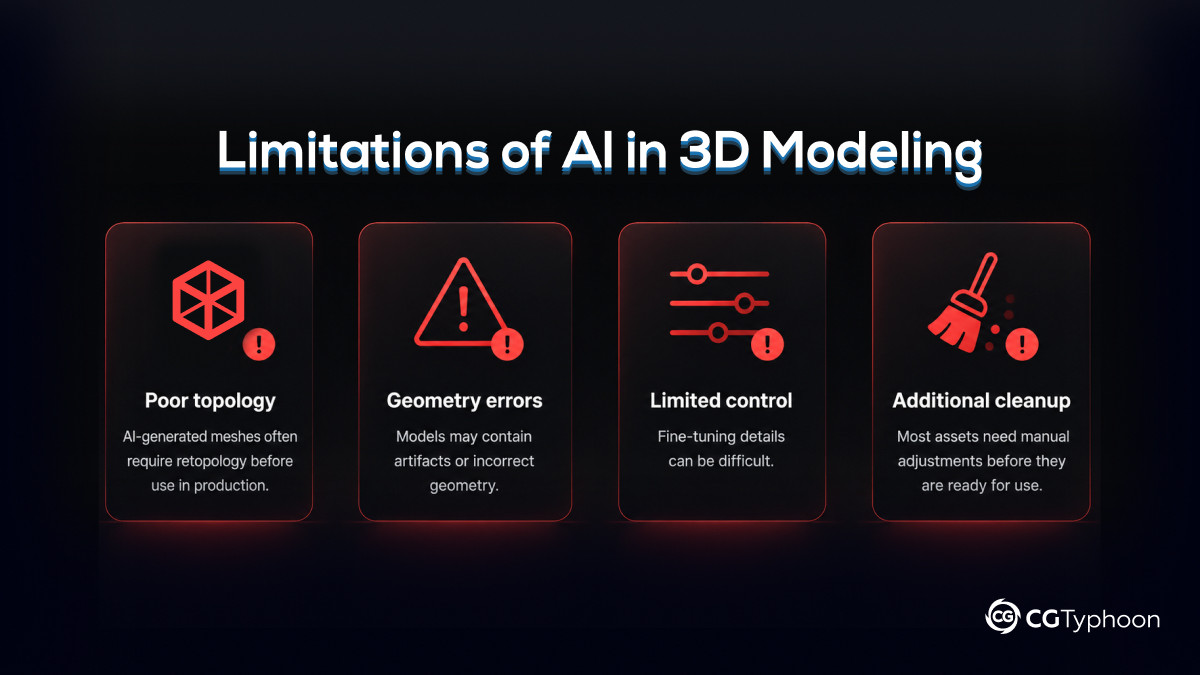
Despite its advantages, AI still has limitations:
Poor topology
AI-generated meshes often require retopology before use in production.
Geometry errors
Models may contain artifacts or incorrect geometry.
Limited control
Fine-tuning details can be difficult.
Additional cleanup
Most assets need manual adjustments before they are ready for use.
Future of AI in 3D Modeling
AI will continue to improve and become a core part of 3D workflows. Future developments may include:
- fully automated model generation
- improved topology and mesh quality
- real-time creation tools
- deeper integration into 3D software
As the technology evolves, creating 3D models with AI may become the standard workflow.
Frequently Asked Questions (FAQ)
What is the best AI tool for 3D modeling?
Popular tools include Meshy, Luma AI, and Kaedim, depending on your needs.
Can AI create 3D models automatically?
Yes, AI can generate models from text prompts, images, or photos.
Can AI replace 3D artists?
No. AI speeds up workflows, but skilled artists are still needed for quality and control.
Conclusion
AI for 3D modeling is changing how 3D assets are created, allowing artists to generate models faster than ever before. By using the right AI tools and combining them with traditional workflows, you can dramatically improve your speed without sacrificing quality.
If you’re just getting started, try one of the AI 3D model generators mentioned above and experiment with creating your first models today.